-
Continue reading →: Using a Windows 10 and SurfaceBook with Performance Base…The first week
Well, for a variety of reasons, I’m using the Windows 10 and SurfaceBook with Performance Base (what a name?!). Anyway, here are the key learnings: The gooseneck thing is a little weird to use in actual practice. It doesn’t fold down flat and you want move the screen all the…
-
Continue reading →: Quick guide to making your Mac safe
Well now that we don’t have privacy, here’s a quick review of what to do to harden your Mac: Install 1Password using Dropbox because it’s a pain to remember all the passwords. Turn on System Preferences/Security & Privacy/FileVault. This encrypts your hard disk, so in evil hands, they at least…
-
Continue reading →: From Vi to Atom Vim-Mode
OK, I admit it I mainly use Vi for editing mainly because it is just so fast to edit things from the keyboard. You don’t ever need to leave the keyboard when moving around. It is arcane and terrible yet, I actually got running (thanks syntactic) an coding environment that let’s…
-
Continue reading →: Vuescan of multipage PDF
Not simplest thing to find because instruction seem to vary, but on the latest vuescan, here is all you need to do: Put a page in and press preview when it looks good press scan For each succeeding page press preview and then scan + When you are done you don’t have…
-
Continue reading →: Unifi Tips and Tricks
I’ve got now five homes where I’m helping folks run their networks. Unifi is pretty awesome because you can configure the AP at home and then take it to someone and it is completely configured for them. It is so unlikely that a regular human can figure out the access…
-
Continue reading →: Ad Blockers for Safari
Well with privacy always under assault, besides a VPN, you need an Adblocker and tracking masker. Here are some choices: Ublock Origins. This isn’t regular Ublock (which isn’t developed anymore), but a new fork that has a Safari build. Adguard is another one which gets good user reviews Then the…
-
Continue reading →: Protecting your Privacy from your ISP
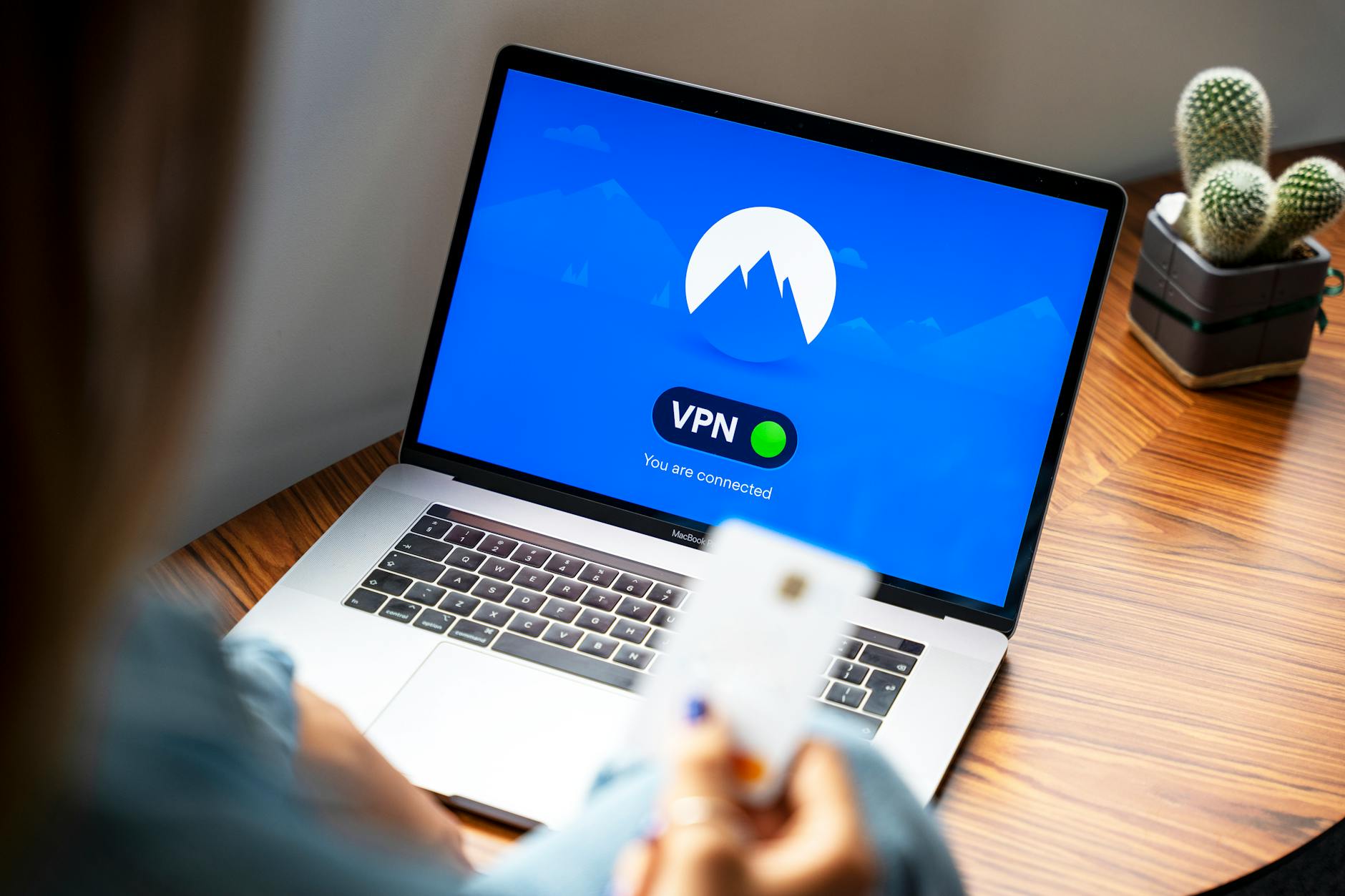
Now that there are no limits for ISPs on reselling your personal browsing and other information. What can a person do. Well the easy things are: Buy a VPN. You need a reputable one. I’ve used Private Internet Access for years and they seem pretty reliable. The main issue is…
-
Continue reading →: Chevrolet Bolt Oddities
Well, if you are a Chevy Bolt owner and wonder what all those parameters mean, here’s a little bit of a decoder ring (it is incredible in this day and age that even with all that infotainment, there isn’t a simple thing like a Tooltip to tell you what a…
-
Continue reading →: Best Ad Blockers and Private VPNs
Now that there is no more privacy in the US (because ISPs can freely resell all your access information). Here is what you can do to protect yourself: Get a VPN. There are many that are not so reputable, but Private Internet Access and ExpressVPN seem at least more reputable.…
-
Continue reading →: Mac Safari Picture in Picture
You can use picture in picture if a web site programs it or use PIPifier from Mac Apps. It’s really convenient for any HTML5 video so it works like iPads. The easiest way to install it is to brew install mas which is Mac App Store command line interface, find the…
Hello,
I’m Rich & Co.

Welcome to Tongfamily, our cozy corner of the internet dedicated to all things technology and interesting. Here, we invite you to join us on a journey of tips, tricks, and traps. Let’s get geeky!
Let’s connect
Join the nerds!
Stay updated with our latest tutorials and ideas by joining our newsletter.
Recent posts





- Loading Mastodon feed…